


Can Longer or Thicker Cables Really Deliver Fast Charging?
A Deep Analysis of the Truth and Common Misconceptions
A seemingly simple charging cable quietly influences our modern digital life every single day.
“Phone manufacturers no longer include chargers, and now even the charging cables are so short. One turn in bed and the phone might get pulled onto the floor.”
This is a common frustration shared by many users. Faced with charging cables of different lengths, thicknesses, and prices, people often find themselves confused when choosing:
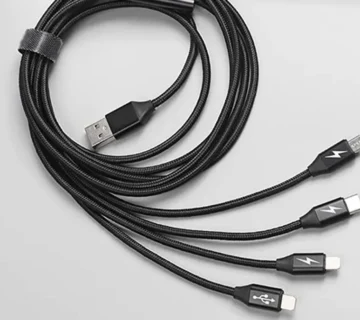
Some buy a 3-meter cable, only to find charging speed noticeably slower;
Some choose a “thicker, reinforced braided cable,” yet fast charging works inconsistently;
Others pay extra for an official extended cable, only to realize they paid mostly for the brand…
So, does fast charging really have a direct relationship with the length and thickness of a charging cable?
And how can you choose a cable that is long enough while still supporting full-speed fast charging?
Today, we’ll explain everything clearly—from physical principles and industry logic to practical buying tips.
一. The Length Mystery: Why Are Original Cables Usually Around 1 Meter?
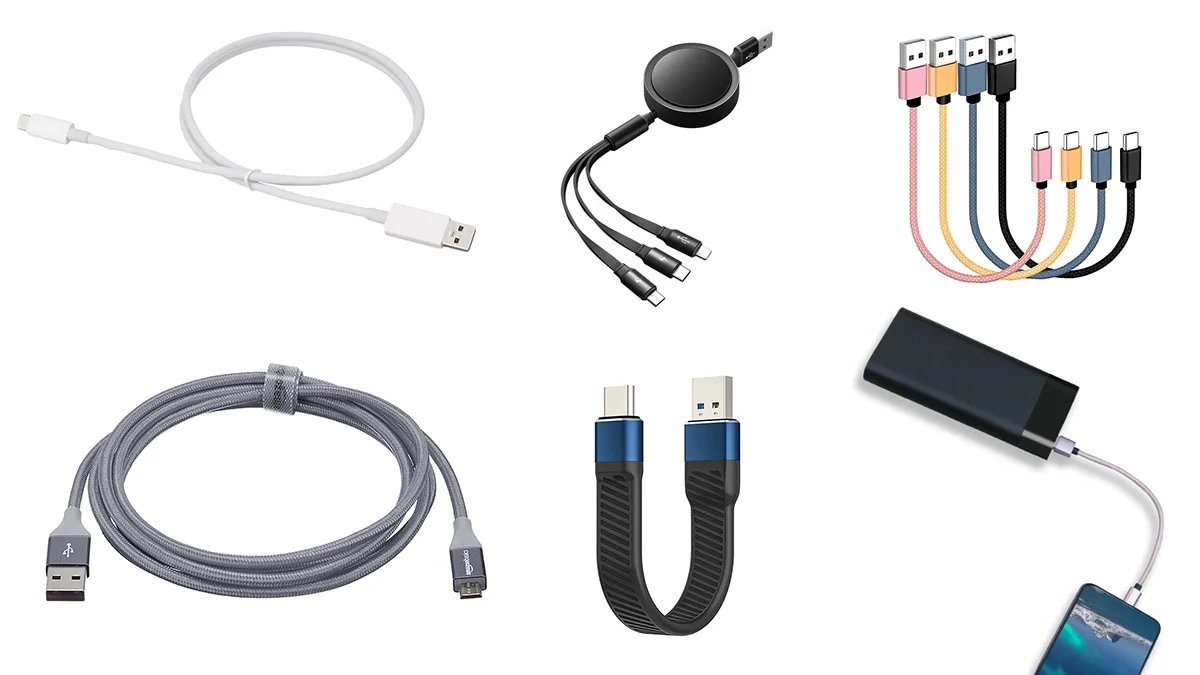
If you look closely, you’ll find that original cables from Apple, Samsung, and most mainstream smartphone brands are typically between 0.8 and 1.2 meters in length. This is no coincidence, but the result of a carefully balanced “optimal solution.”
1. Physical Law: The Proportional Relationship Between Length and Resistance
According to basic electrical principles:
Resistance = Resistivity × (Length / Cross-sectional Area)
The longer the cable, the greater the resistance, and the more energy is lost during transmission.
For fast charging solutions based on high current (such as early OPPO VOOC), this loss is particularly significant.
For high-voltage, low-current solutions like USB Power Delivery (PD), cable length sensitivity is lower, but overly long cables can still cause voltage drops that prevent fast charging protocols from being triggered.
2. Business Logic: Cost Trade-offs at Million-Unit Scale
Assume a smartphone ships 10 million units:
If each cable is extended by just 0.5 meters, material costs alone could increase by tens of millions
Longer cables mean more weight, increasing logistics and warehousing costs
Failure rates may slightly rise with length, increasing after-sales service costs
While ensuring basic user experience, a 1-meter length becomes the “sweet spot” between cost and performance—meeting daily charging and computer-connection needs while keeping overall costs under control.
3. Experience Design: Hidden Insights Into User Behavior
Scenario compatibility: A 1-meter cable fits bedside and desktop setups while keeping things tidy
Safety considerations: Reduces tripping and entanglement risks caused by overly long cables
Port protection: Minimizes accidental pulling that could damage charging ports
二. Thickness Matters: Does a Thicker Cable Always Mean Higher Performance?
When you walk into an accessory store, you’ll see charging cables of vastly different thicknesses.
But does thicker always mean better fast charging performance? The answer is not necessarily.
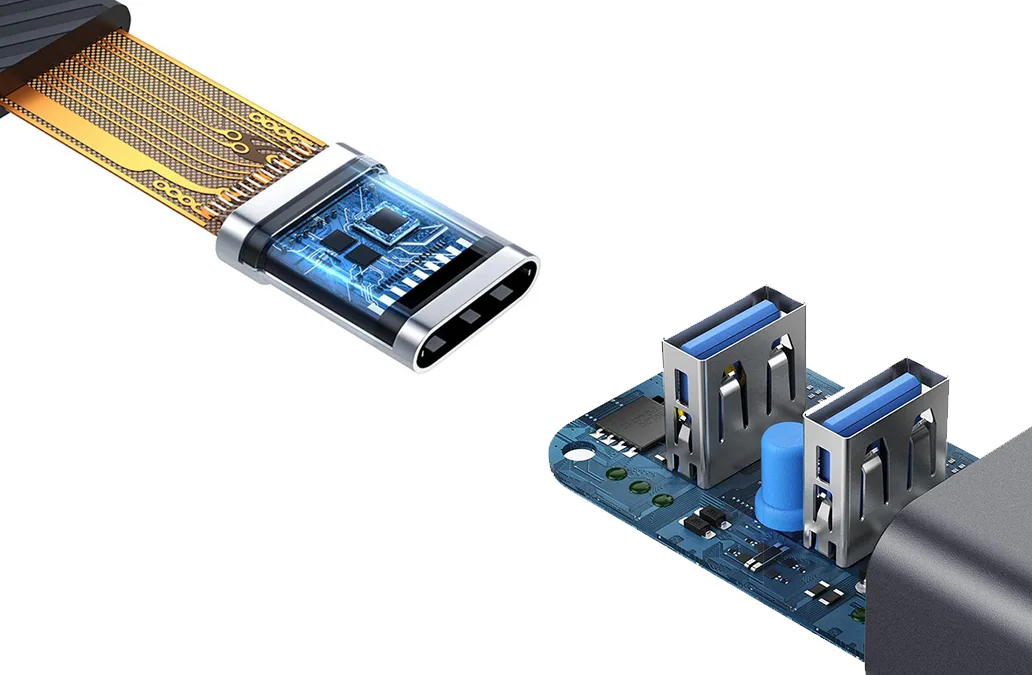
🔍 Internal Structure of a Charging Cable
A qualified charging cable typically consists of the following core layers:
Conductor layer: The core component, usually tinned copper or oxygen-free copper
Insulation layer: Prevents short circuits between wires
Shielding layer: Aluminum foil or braided copper mesh to resist electromagnetic interference
Outer jacket: TPE, PVC, or braided material that determines feel and durability
💡 Why High-Power Cables Must Be Thicker
Taking a 120W fast charging cable as an example:
Multi-strand parallel conductors: To handle currents above 10A, multiple thick copper strands are used in parallel
Enhanced shielding: High-speed data transmission requires more complex shielding structures
Heat dissipation needs: Thicker cables help dissipate heat and prevent thermal throttling
⚠️ Beware of “Fake Thick” Cables
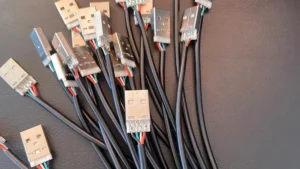
Some cables appear thick due to heavy outer jackets, but internally use low-quality thin copper wires or excessive fillers.
These cables not only charge slowly but may also pose safety risks.
How to tell the difference?
High-quality thick cables feel solid yet flexible, while low-quality ones often feel stiff or hollow.
三. The True Keys to Fast Charging: Three Overlooked Core Factors
Length and thickness are only surface-level characteristics. What truly determines fast charging performance are the following three core factors:
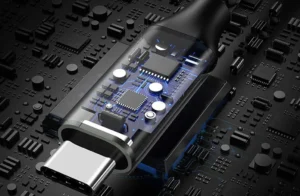
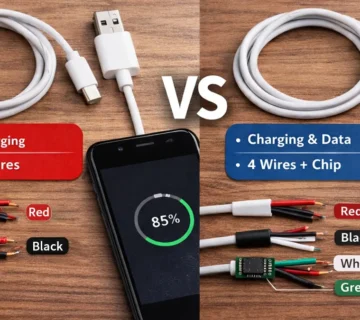
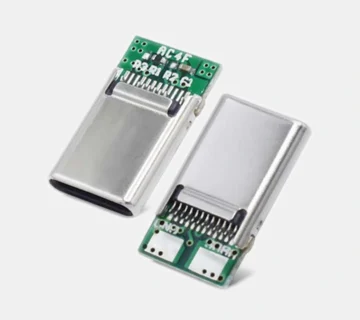
1. E-Marker Chip: The Cable’s “Smart ID Card”
This chip is essential for USB-C high-power fast charging (typically ≥60W). Its functions include:
Actively informing the charger of the cable’s current-carrying capacity
Negotiating optimal voltage and current combinations
Preventing overload and ensuring safety
Buying tip: When purchasing high-power fast charging cables, always confirm that the product description states “Built-in E-Marker chip.”
2. Conductor Material: From Pure Copper to Tinned Copper
Conductivity ranking:
Silver > Copper > Aluminum > Iron
Most high-quality charging cables today use:
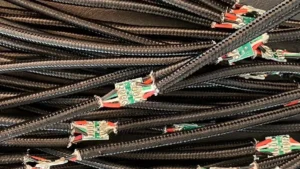
Oxygen-Free Copper (OFC): High purity, low resistance, excellent performance
Tinned Copper: Oxidation-resistant, cost-effective, and widely used by major brands
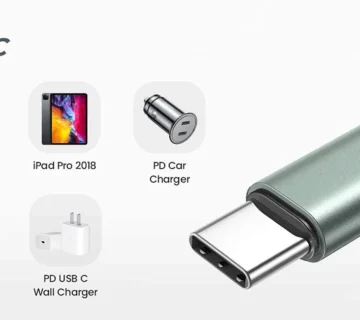
3. Protocol Support: Compatibility Is Everything
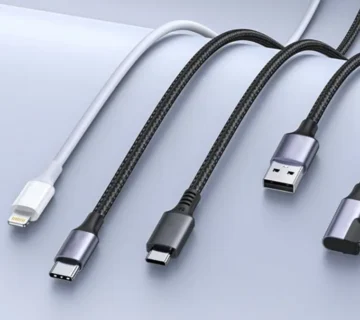
Your charging cable must support both:
The charger’s output protocol (such as PD 3.0, QC 4+)
The phone’s fast charging protocol (such as Huawei SCP or Xiaomi HyperCharge)
Common misconception: Assuming all USB-C cables support fast charging.
In reality, many low-cost cables only support USB 2.0 specifications and basic charging.
四. Ultimate Buying Guide: The Best Choices for Different Scenarios
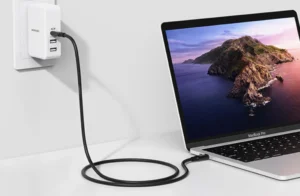
📱 Scenario 1: Daily Home / Office Use
Recommended length: 1.5–2 meters
Power requirement: Match your phone’s maximum fast charging wattage
Key point: Choose soft TPE material for easy storage
Recommended types: Brand basic models such as PD fast charging cables from UGREEN, Anker, or Baseus
🛋️ Scenario 2: Bedside / Sofa Charging
Recommended length: 2–3 meters
Important note: For lengths over 2 meters, always choose models clearly labeled as supporting fast charging
Material suggestion: Braided cables for better durability against frequent pulling and bending
🎮 Scenario 3: Gaming / Charging While Using the Phone
Special requirements: Low resistance and stable high-current output
Recommended specs: 5A high-current cables with reinforced connectors
Avoid: Overly long cables that increase resistance and latency
✈️ Scenario 4: Travel and Portability
Recommended length: 0.5–1 meter
Key points: Lightweight, bend-resistant, with connector protection
Recommended: Flat cables or coiled spring cables
V. Common Myths and Truths About Cable Materials
Myth 1: Braided Cables Are Always More Durable
Truth: High-quality braided cables are indeed more resistant to pulling, abrasion, and bending.
However, low-quality braided cables may look tough outside but use poor internal materials. Brand choice matters.
Myth 2: Original Cables Are Always the Best
Truth: Original cables offer excellent compatibility but are often expensive.
Many certified third-party cables surpass original cables in materials and craftsmanship, offering better value.
Myth 3: The Tighter the Connector, the Better
Truth: Moderate tightness is ideal.
Too tight may damage the phone’s port, while too loose causes poor contact.
High-quality cables provide a smooth yet secure insertion feel.
五. Common Myths and Truths About Cable Materials
Myth 1: Braided Cables Are Always More Durable
Truth: High-quality braided cables are indeed more resistant to pulling, abrasion, and bending.
However, low-quality braided cables may look tough outside but use poor internal materials. Brand choice matters.
Myth 2: Original Cables Are Always the Best
Truth: Original cables offer excellent compatibility but are often expensive.
Many certified third-party cables surpass original cables in materials and craftsmanship, offering better value.
Myth 3: The Tighter the Connector, the Better
Truth: Moderate tightness is ideal.
Too tight may damage the phone’s port, while too loose causes poor contact.
High-quality cables provide a smooth yet secure insertion feel.
六. Safety and Maintenance Tips
Avoid extreme bending, especially near the connectors—the most common failure point
Clean connectors regularly using a dry, soft cloth to prevent oxidation
Plug and unplug by holding the connector, not pulling the cable
Use the “figure-eight” wrapping method or a cable organizer to avoid tight knots
Replace the cable immediately if charging slows, the cable overheats, or the outer jacket is damaged
📊 Quick Reference: Charging Cable Buying Decision Table
| Usage Scenario | Length | Key Features | Budget Range | Brand |
|---|---|---|---|---|
| Daily Use | 1.5–2 m | PD fast charging, TPE jacket | ¥30–60 | UGREEN, ZMI |
| Bedside Long Cable | 2–3 m | Braided jacket, E-Marker chip | ¥50–100 | Anker, Belkin |
| Gaming | 1–1.5 m | 5A high current, reinforced connectors | ¥40–80 | Nubia, Pisen |
| Travel | 0.5–1 m | Lightweight, bend-resistant | ¥20–50 | Baseus, Momax |
| Apple Ecosystem | 1–2 m | MFi certified, C94 connector | ¥60–150 | Apple, Anker |
Final Thoughts
In today’s rapidly evolving fast-charging era, a high-quality charging cable should never be the bottleneck.
A charging cable is not just a path for electricity—it is a bridge of trust between devices.
By understanding the science behind length and thickness, and recognizing the importance of chips and protocols, we can move beyond the simplistic belief that “longer is better” or “thicker is better,” and make truly rational choices.
Remember this formula:
Proper length + qualified wire gauge + matching protocol + reliable brand = perfect fast charging experience
Every dollar you invest buys not only faster charging, but also safety and long-term reliability.
How long is your charging cable?
Have you ever encountered fast charging “pitfalls”?
Feel free to share your experiences and insights in the comments.

No comment