


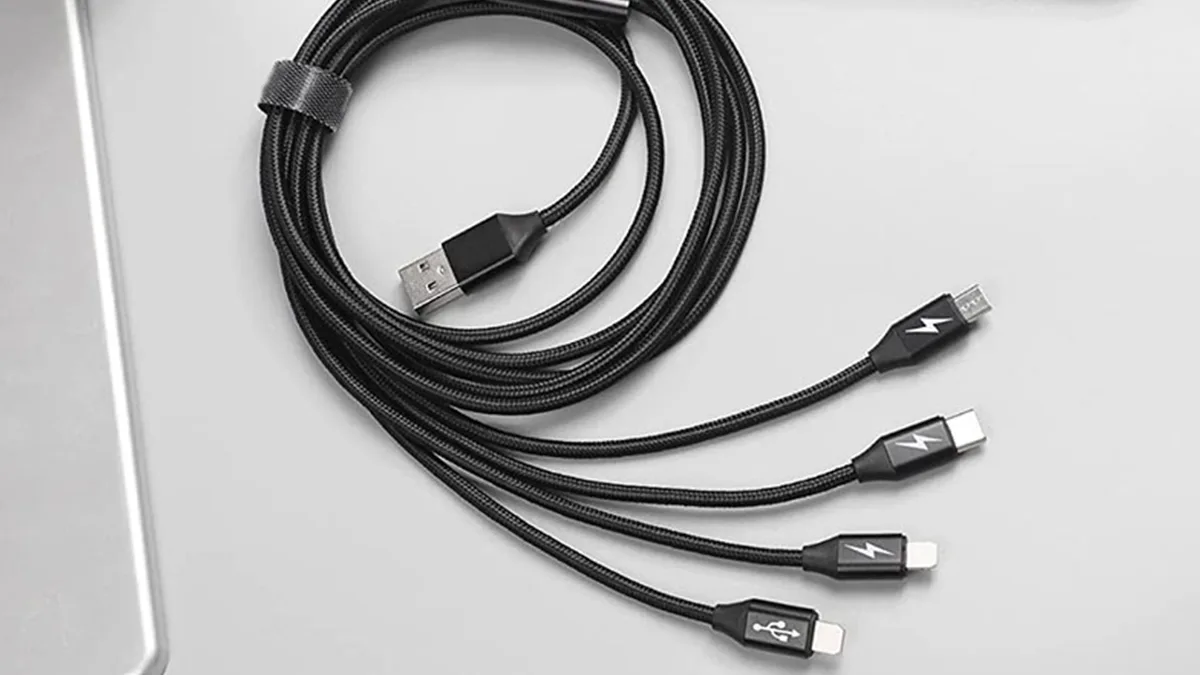
How to Choose the Right Data Cable for Your Device?
In today’s highly connected world, data cables are more than just accessories—they are essential tools for powering devices, transferring data, and ensuring seamless communication between equipment. Whether you are charging a smartphone, connecting an external hard drive, or linking devices for work and entertainment, choosing the right data cable can significantly improve performance and extend the lifespan of your devices.
With so many types, standards, and brands of data cables available on the market, selecting the best option can be overwhelming. This blog will guide you through everything you need to know to choose the right data cable for your needs.
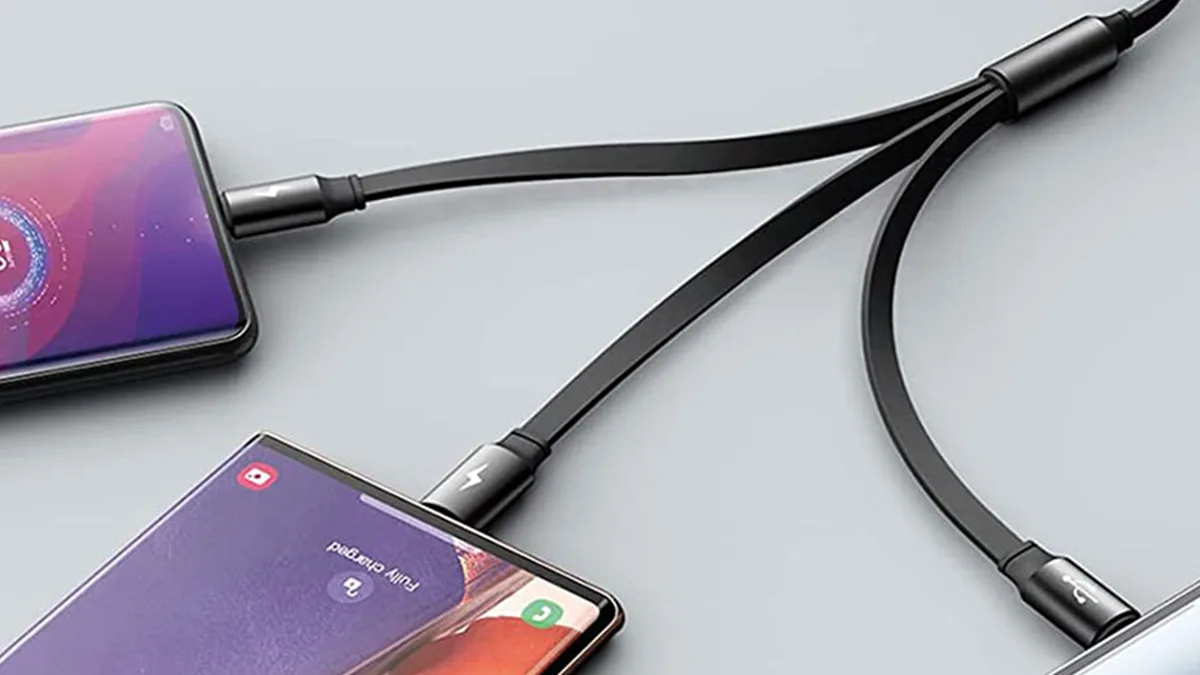
Why Choosing the Right Data Cable Matters
-
Poor current flow can result in slower charging speeds.
-
Reduced data transfer rates can impact work efficiency.
-
Shorter cable lifespan leads to frequent replacements.
A reliable data cable ensures safety, efficiency, and compatibility—saving you money and avoiding trouble in the long run.
Types of Data Cables
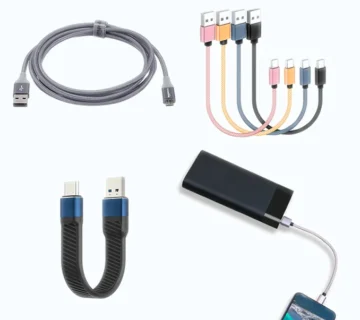
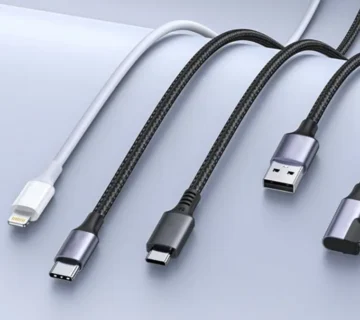
Understanding the different types of data cables is the first step toward making the right choice. Here are the most common types you will encounter:
-
USB-A to Micro USB
-
Commonly used for power banks, Bluetooth speakers, and older smartphones.
-
Charging and data transfer speeds are average.
-
Affordable, but gradually becoming outdated.
-
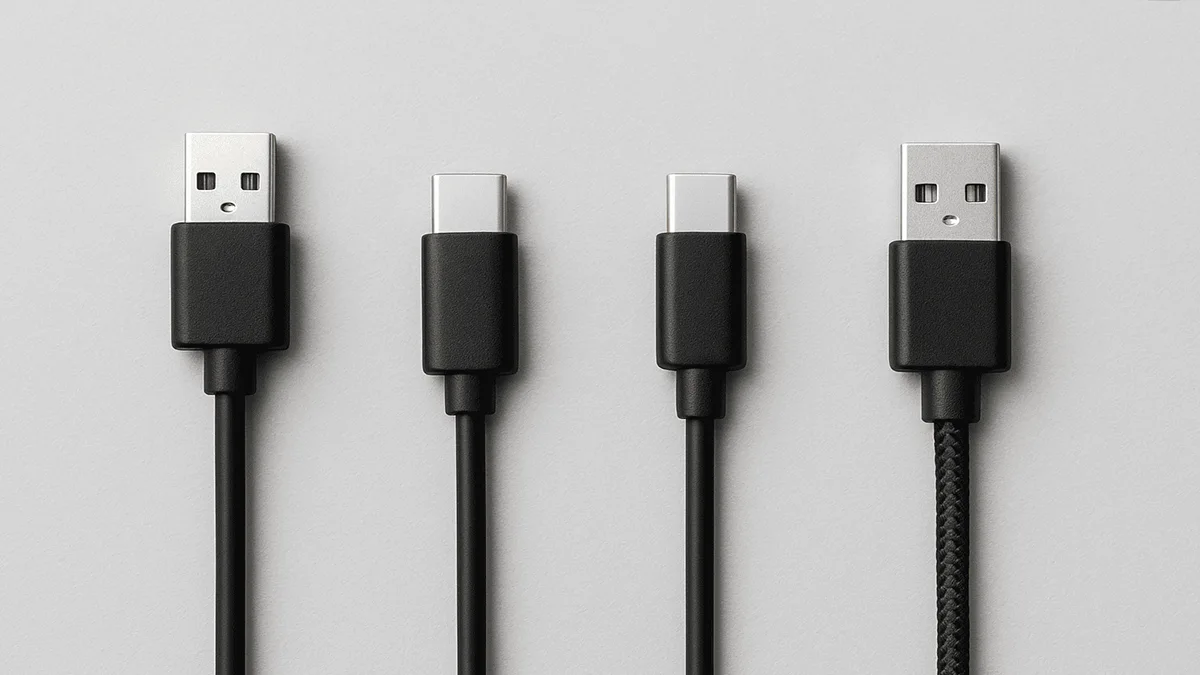
USB-A to USB-C
-
Commonly used with modern Android smartphones, tablets, and laptops.
-
Faster charging and data transfer speeds compared to Micro USB.
-
Reversible design for easy connection.
-
USB-C to USB-C
-
Increasingly popular in laptops, smartphones, and tablets.
-
A future-proof choice for most modern devices.
-
USB-A / USB-C to Lightning
-
Designed for Apple devices such as iPhones, iPads, and some accessories.
-
To ensure safety and longevity, it is recommended to use MFi-certified cables.
-
Specialty Cables
-
HDMI to USB-C: For video output.
-
Thunderbolt cables: Support ultra-high-speed data transfer and multiple functions.
-
OTG (On-The-Go) cables: Allow smartphones to connect to USB drives, keyboards, or other peripherals.
Key Factors to Consider When Choosing a Data Cable
-
Device Compatibility
Always check which ports your device supports. For example:
-
iPhones require a Lightning cable.
-
Most Android phones use USB-C.
-
Older devices may still need Micro USB.
Choosing the wrong type may result in the cable not working or, worse, damage to your device.
-
Charging Speed
Different cables support different charging standards:
-
Standard charging: around 5W, common in cheap cables.
-
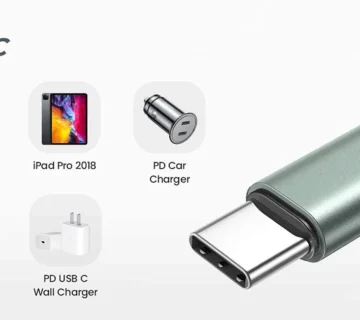
For fast charging, look for cables labeled with Quick Charge (QC) or Power Delivery (PD).
-
Data Transfer Speed
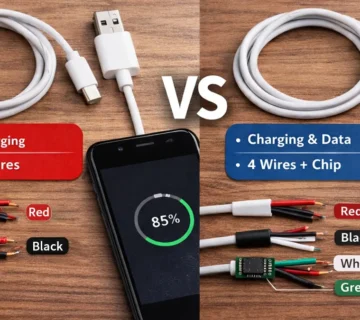
Not all cables are equally effective at transferring data.
-
USB 3.2 and Thunderbolt 4: up to 40 Gbps, ideal for large file transfers and 4K/8K video.
-
Cable Build Quality
Durability is crucial since cables are constantly bent and pulled. Pay attention to:
-
Nylon braided cables for extra strength.
-
Reinforced connectors to prevent wear and tear.
-
Tangle-free design for convenience.
High-quality cables last longer and are less likely to interrupt charging.
-
Cable Length
-
Short cables (0.5–1 m): best for fast charging, minimal power loss.
-
Medium cables (1.5–2 m): suitable for daily use.
-
Long cables (3 m or more): convenient for distant outlets but may reduce charging efficiency.
Choose the length according to your usage environment.
-
Safety Features
Poor-quality cables can cause overheating or damage to devices. Check for:
-
Certifications: Apple devices require MFi, USB cables should have USB-IF certification.
-
Over-current protection.
-
Heat resistance.
Expert Tips: How to Choose the Best Data Cable
-
Invest in certified brands: Trusted brands meet safety standards.
-
Read reviews before buying: User feedback often highlights durability and performance issues.
-
Match cable and charger power ratings: For example, a 100W cable works best with a 100W charger.
-
Avoid extremely cheap cables: They may lack proper shielding or safety standards.
-
Keep a spare cable: A backup can prevent downtime during travel or emergencies.
Common Misconceptions About Data Cables
-
“All cables are the same” — Incorrect. Charging speeds and data transfer rates vary greatly between cables.
-
“Only original cables are good” — Not true. Certified third-party cables can deliver the same performance, often at a more affordable price.
-
“Longer cables charge more slowly” — Partially true. If the cable is of good quality, the difference is minimal.
Final Thoughts
Choosing the right data cable is not just about convenience—it’s about ensuring the safety and performance of your devices. By considering compatibility, transfer speed, build quality, and certifications, you can make a wise investment that saves you time and money in the long run. Whether you need a simple charging cable or a high-speed Thunderbolt cable, quality should always take priority over price.

No comment